E Pauti Odisha 2026: How to Pay Land Revenue Online
E Pauti Odisha 2026: How to Pay Land Revenue Online
Last updated
E Pauti Odisha 2026: How to Pay Land Revenue Online
e-Pauti is the official online Khajana (land revenue) payment portal of the Revenue & Disaster Management Department, Government of Odisha. It is developed and maintained by the National Informatics Centre (NIC), Bhubaneswar, and available at odishalandrevenue.nic.in. Launched on India's 73rd Independence Day in 2019, it allows every landholder across all 30 Odisha districts to pay their annual Khajana from home — without ever visiting a Tahasil office. A companion mobile app called Pauti is available on the Google Play Store.
What is Khajana (Land Revenue) in Odisha?
Khajana is the annual land revenue tax payable by landholders in Odisha to the state government. It is recorded on the Record of Rights (RoR) and must be paid by March 31 of each financial year. The amount varies by land area and classification. Non-payment can attract penalties and can complicate property mutation and registration processes. Tip: pay between September and December to avoid peak server load in March.
Four Key Services on the ePauti Portal
- Pay Land Revenue: Make your annual Khajana payment online. The system auto-calculates all outstanding dues.
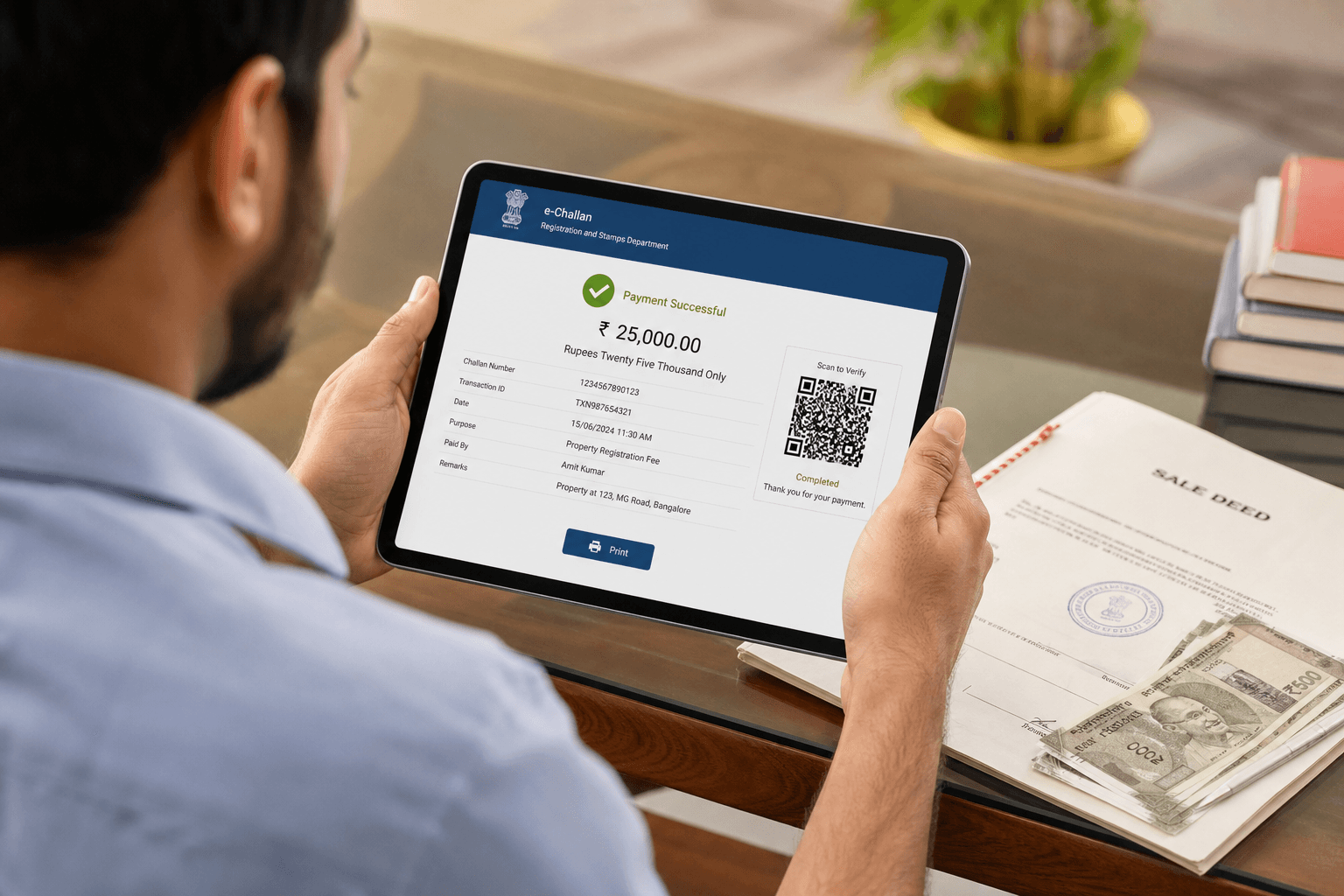
- Download Rent Receipt (e-Pauti): Retrieve your official digital payment receipt using your Transaction ID. The receipt is legally valid at all government offices, banks, and courts in Odisha.
- Know Transaction ID: Recover a lost transaction reference to download your receipt.
- Verify Rent Receipt: Authenticate any receipt using the Transaction ID — useful for buyers, banks, lawyers, and courts to detect fake receipts.
How to Pay Land Revenue on ePauti Odisha — Step-by-Step 2026
- Step 1: Open odishalandrevenue.nic.in in your browser.
- Step 2: Click Pay Land Revenue on the homepage.
- Step 3: Select the Financial Year (e.g., 2026–27), then choose your District, Tahasil, and Village from the dropdown menus.
- Step 4: Enter your Khata Number and the Plot Number(s). The system auto-fills the Tenant Name and Total Land Area.
- Step 5: Review the auto-calculated dues: Basic Rent, N Cess, General Cess, Water Tax (if applicable), and any Arrears. Confirm the total amount payable.
- Step 6: Enter depositor details and complete the captcha. Click Proceed to Payment.
- Step 7: Choose your payment method — Net Banking, Debit Card, Credit Card, or UPI. Complete the transaction.
- Step 8: Note the Treasury Challan Reference ID displayed on screen. Download and save the payment receipt immediately. You can also retrieve it anytime later via the Know Payment Status & Download Receipt option.
How to Download the Rent Receipt Later
If you did not save the receipt after payment, visit odishalandrevenue.nic.in and click Know Payment Status & Download Receipt. Enter your Transaction ID (Treasury Challan Reference ID) to retrieve and print your receipt at any time.
Payment Methods Accepted
- Net Banking: All major banks — SBI, ICICI, HDFC, Axis, and others
- Debit Card: Visa, Mastercard, RuPay (processed through SBI ePay gateway)
- Credit Card: Major credit cards accepted
- UPI: PhonePe, Google Pay, Paytm, BHIM, and all UPI apps
The portal is completely free to use — there is no service charge. You pay only the land revenue amount due.
ePauti Mobile App
The official Pauti app by the Government of Odisha is available on the Google Play Store. Search "e-Pauti" to download it. The app provides the same functionality as the website — pay land revenue, check status, and download receipts from your smartphone.
bhulekh.ori.nic.in covers all 30 districts of Odisha, including Khordha (Bhubaneswar), Cuttack, Puri, Ganjam, Balasore, Sambalpur, Sundargarh, and Mayurbhanj. Select your District, then Tahasil, then Village to begin your search.
Find Property in Odisha on Baiyabasa
Search verified land and property listings in Odisha: Bhubaneswar · Cuttack · Puri
Related Odisha Land Record Guides
Frequently Asked Questions
Quick answers to common questions about this topic.
e-Pauti is the official online land revenue payment portal of Odisha, launched on India's 73rd Independence Day (August 15, 2019) by the Revenue & Disaster Management Department, Government of Odisha. It is developed and maintained by the National Informatics Centre (NIC), Bhubaneswar, and is accessible at odishalandrevenue.nic.in. It allows every landholder across all 30 Odisha districts to pay annual Khajana (land revenue) from home without visiting a Tahasil office.
Showing questions 1–5 of 9
Find your next home on Baiyabasa
Browse verified listings, connect with trusted agents, and get expert guidance across Odisha.



Comments
Loading reviews...