Online Stamp Duty Payment Odisha 2026: Step-by-Step Guide
Online Stamp Duty Payment Odisha 2026: Step-by-Step Guide
Last updated

Online Stamp Duty Payment Odisha 2026: Step-by-Step Guide
Before registering property in Odisha, stamp duty must be paid. bhulekh.ori.nic.in links to the online stamp duty payment site maintained under the Revenue & Disaster Management Department, Government of Odisha ecosystem. Odisha uses the SHCIL (Stock Holding Corporation of India Ltd) e-stamp system at shcilestamp.com for online stamp duty payment of any amount. This 2026 guide covers the full procedure for Khordha, Cuttack, Puri, Ganjam, Balasore, Sambalpur, Sundargarh, Mayurbhanj, and all districts.
What is Stamp Duty in Odisha?
Stamp duty is a state levy on property sale deeds, gift deeds, and other instruments. In Odisha, online payment through the SHCIL e-stamp portal reduces queue time at sub-registrar offices and is required before IGR Odisha registration. The e-Stamp certificate generated through this process is the legally accepted proof of stamp duty payment.
What is e-Stamping?
As defined by SHCIL, e-Stamping is a computer-based application and a secured way of paying Non-Judicial stamp duty to the Government. It is an innovative and secure internet-based system that eliminates the need for physical stamp paper. e-Stamping is currently operational in 24 States and Union Territories across India, with Odisha being one of them.
What is SHCIL and Why is it Authorised?
StockHolding Corporation of India Ltd (SHCIL) was incorporated in 1986 as a Public Limited Company and is a subsidiary of IFCI Limited. Its equity is held by major government-backed financial institutions including LIC, GIC, SU-UTI, NIA, NIC, UIC, and TOICL — making it one of the most trusted financial intermediaries in India.
The Government of India has designated SHCIL as the Central Record Keeping Agency (CRA) for collection of stamp duty across 24 States and Union Territories, including Odisha. SHCIL has been providing e-stamping services for over 16 years, processing more than half a million transactions every day and serving over 5 crore customers nationwide through a network of 200+ branches across India.
The portal at shcilestamp.com is the official and only authorised channel for e-stamp transactions in Odisha. Using it guarantees a legally valid, tamper-proof e-Stamp certificate accepted at all IGR Odisha sub-registrar offices.
Why e-Stamp is Better Than Physical Stamp Paper
The SHCIL e-stamp system replaces the traditional physical stamp paper system, which was prone to fraud, counterfeit papers, and over-payment. Key advantages of e-stamping include:
- Exact stamp duty payment: The system calculates and accepts the precise amount — no rounding or over-payment required.
- Anti-fraud security: Multiple built-in security features make e-Stamp certificates virtually impossible to counterfeit or tamper with.
- Perfect audit trail: Every transaction is digitally recorded, creating an immutable audit trail for government and personal verification.
- No vendor dependence: Physical stamp paper required purchase from licensed vendors. e-Stamp is obtained directly online, eliminating middlemen.
- Instant verification: e-Stamp certificates can be verified online at any time, unlike physical stamp papers.
- Environmentally sustainable: Reduces paper consumption and supports India's digital governance goals.
Procedure for Online Payment & Collection of e-Stamp Certificate from Nearest StockHolding Branch
This procedure applies for payment of stamp duty of any amount in Odisha. The e-Stamp certificate is collected from the nearest StockHolding branch after online payment.
Step 1 — Access the Official Website
Visit the official SHCIL e-stamp services website: www.shcilestamp.com. This is the only authorised portal for e-stamp transactions in Odisha.
Step 2 — Mandatory User Registration
Registration on shcilestamp.com is mandatory and free of charge. Before you begin, ensure you have:
- A valid, active email address
- A valid mobile number
Step 3 — Registration Process
- Navigate to the Online Payment section on the homepage.
- If you are a new user, click Register Now.
- Fill in your full name, address, gender, and choose a unique User ID and strong Password. Also set a security question and answer.
- After successful registration, an activation link along with your User ID will be sent to your registered email address. Click on this link to activate your account before proceeding.
Note: Registration is a one-time process. Once your account is activated, you can log in directly for all future transactions without re-registering.
Step 4 — Logging In (Two-Step Verification)
Logging in to shcilestamp.com uses two-step verification:
- Go to the login section on the homepage (usually on the right side). Enter your User ID and Password.
- A 6-digit OTP will be sent to your registered mobile number or email. Enter this OTP within 180 seconds. If you do not receive it, click Resend OTP.
- After successful login, you are redirected to the Member Home Page (Dashboard) from where you can select your state and proceed with the transaction.
Step 5 — Selection of State and Printing Option
- From the drop-down menu, select Odisha as your state.
- Choose the Nearest StockHolding Branch option as your collection method.
Step 6 — Providing Mandatory Transaction Details
Input the following details accurately for your property transaction. These details will appear directly on the printed e-Stamp certificate:
- First Party Name: Name of the first party (e.g., seller / person executing the document).
- Second Party Name: Name of the second party (e.g., buyer / lessee), if applicable.
- Article Number: The specific article number for the deed type (e.g., sale deed, gift deed, mortgage deed, rental agreement, affidavit).
- Stamp Duty Payer: Name of the individual or entity paying the stamp duty.
- Stamp Duty Amount: The exact amount of stamp duty in Indian Rupees (INR). All payments must be in INR only.
- PAN Details: PAN card details of the parties concerned may be required depending on the transaction type and amount.
Step 7 — Making Online Payment
Click the Online Payment option and choose from the available payment methods:
- Netbanking
- Debit Card (Visa, Mastercard, Maestro, RuPay)
- Credit Card
- UPI
- NEFT / RTGS / Fund Transfer (FT) — for larger amounts via bank transfer
- Cash — payable at any registered SHCIL branch or Authorised Collection Centre (ACC); details of ACCs are available on the portal
Note: All payments must be in Indian Rupees (INR). Any payment gateway charges for the chosen method are borne by the user. Before initiating NEFT/RTGS, consult the e-stamping centre for the correct account details.
Step 8 — Confirmation and Reference Number
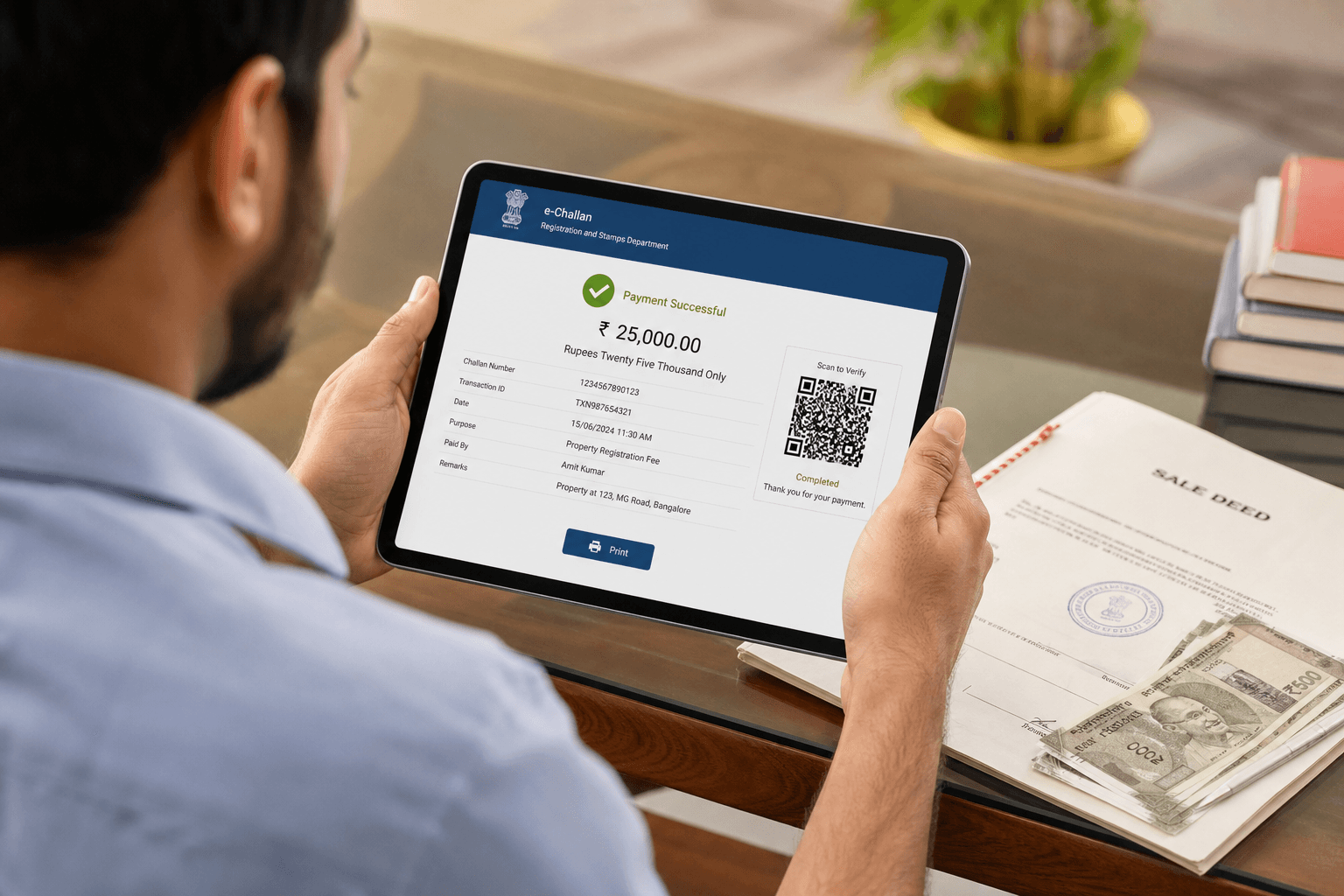
- After successful payment, a payment reference number is generated on screen.
- Print or carefully note the online reference acknowledgment number — you will need it to collect your certificate.
Step 9 — Collecting the e-Stamp Certificate
Visit the nearest StockHolding Corporation of India branch (or Authorised Collection Centre) with your printed reference acknowledgment number. The branch will provide the final printed e-Stamp certificate. This certificate is the official document to be attached to your deed and presented at the IGR Odisha sub-registrar office for property registration.
Your printed e-Stamp certificate will contain:
- Unique Identification Number (UIN) — the unique identifier for your certificate
- Certificate Number
- Stamp Duty Value paid
- First and Second Party details as entered
- Date and Time of Issuance
- QR Code for instant verification
Important: After receiving your certificate, verify its authenticity online using the UIN on the SHCIL portal before executing your document. This confirms the certificate is genuine and has not been tampered with.
Step 10 — Service Availability
The online payment system at shcilestamp.com is available 24 hours a day, 7 days a week, giving you the flexibility to complete the payment at any time. Collection of the physical e-Stamp certificate is subject to StockHolding branch working hours.
Important: What You Must Know Before You Pay
These are critical facts from the official SHCIL FAQ that every user should know before initiating a stamp duty payment:
- e-Stamp certificates cannot be cancelled. Once generated, an e-Stamp certificate cannot be reversed. Verify all details — party names, article number, and stamp duty amount — before completing payment. Refunds must be requested through the Competent Authority in the Odisha State Government.
- Lost certificate. If your e-Stamp certificate is lost, contact the Competent Authority to initiate the refund process. Always keep your payment reference number and UIN in a safe place.
- Underpayment. If you paid less than the required stamp duty, obtain a second e-Stamp certificate for the differential amount. Both certificates must be presented together at the sub-registrar office.
- Self-printing is Windows only. If your state allows online self-printing of e-Stamp certificates, this feature works only on Windows. It is not supported on Mac or iOS devices.
- Error during generation. If you encounter any error during the e-Stamp generation process, do not retry the payment immediately. Contact state customer support via the Contact Us section on shcilestamp.com to avoid duplicate charges.
Four Ways to Get an e-Stamp Certificate
SHCIL offers multiple collection methods. For Odisha, the most commonly used options are:
- Authorised Collection Centre (ACC): Visit a designated ACC such as a bank branch or licensed agent. Pay and collect the printed certificate on the spot.
- Nearest StockHolding Branch: Complete payment online at shcilestamp.com, then visit the nearest StockHolding branch with your reference number to collect the printed certificate. This is the procedure detailed in the steps above.
- Online Self-Printing: In states and UTs where approved, you can pay online and print the certificate yourself. Windows only — not supported on Mac or iOS.
- Home Delivery: Currently available only in NCT of Delhi and Himachal Pradesh — not applicable for Odisha.
After Getting Your e-Stamp Certificate
Once you have the e-Stamp certificate from the StockHolding branch, proceed to IGR Odisha for property deed registration at the sub-registrar office in your district. Bring the e-Stamp certificate along with all other required documents.
Stamp Duty Rates in Odisha — 2026
As of 2026, stamp duty in Odisha is 5% of the market value for male buyers and 4% for female buyers (Odisha Stamp Amendment Rules 2014). Joint male–female ownership attracts 4.5%. Commercial property is taxed at 6% regardless of gender. Registration charges are an additional 2% for all categories. Rates vary for agricultural land, gift deeds, mortgage deeds, and other instrument types — always verify the exact applicable rate using the official Stamp Duty Calculator on igrodisha.gov.in before making payment.
bhulekh.ori.nic.in covers all 30 districts of Odisha, including Khordha (Bhubaneswar), Cuttack, Puri, Ganjam, Balasore, Sambalpur, Sundargarh, and Mayurbhanj. Select your District, then Tahasil, then Village to begin your search.
Find Property in Odisha on Baiyabasa
Search verified land and property listings in Odisha: Bhubaneswar · Cuttack · Puri
Related Odisha Land Record Guides
Frequently Asked Questions
Quick answers to common questions about this topic.
From bhulekh.ori.nic.in, click Payment of Stamp Duty to reach the Odisha stamp duty portal. You can pay via the SHCIL e-stamp portal at shcilestamp.com using Netbanking, Debit/Credit Card, or UPI. After payment, collect the physical e-Stamp certificate from the nearest StockHolding branch.
Showing questions 1–5 of 23
Find your next home on Baiyabasa
Browse verified listings, connect with trusted agents, and get expert guidance across Odisha.


Comments
Loading reviews...