e-Court Fee Payment Odisha 2026: SHCIL Online Guide
e-Court Fee Payment Odisha 2026: SHCIL Online Guide
Last updated
e-Court Fee Payment Odisha 2026: SHCIL Online Guide
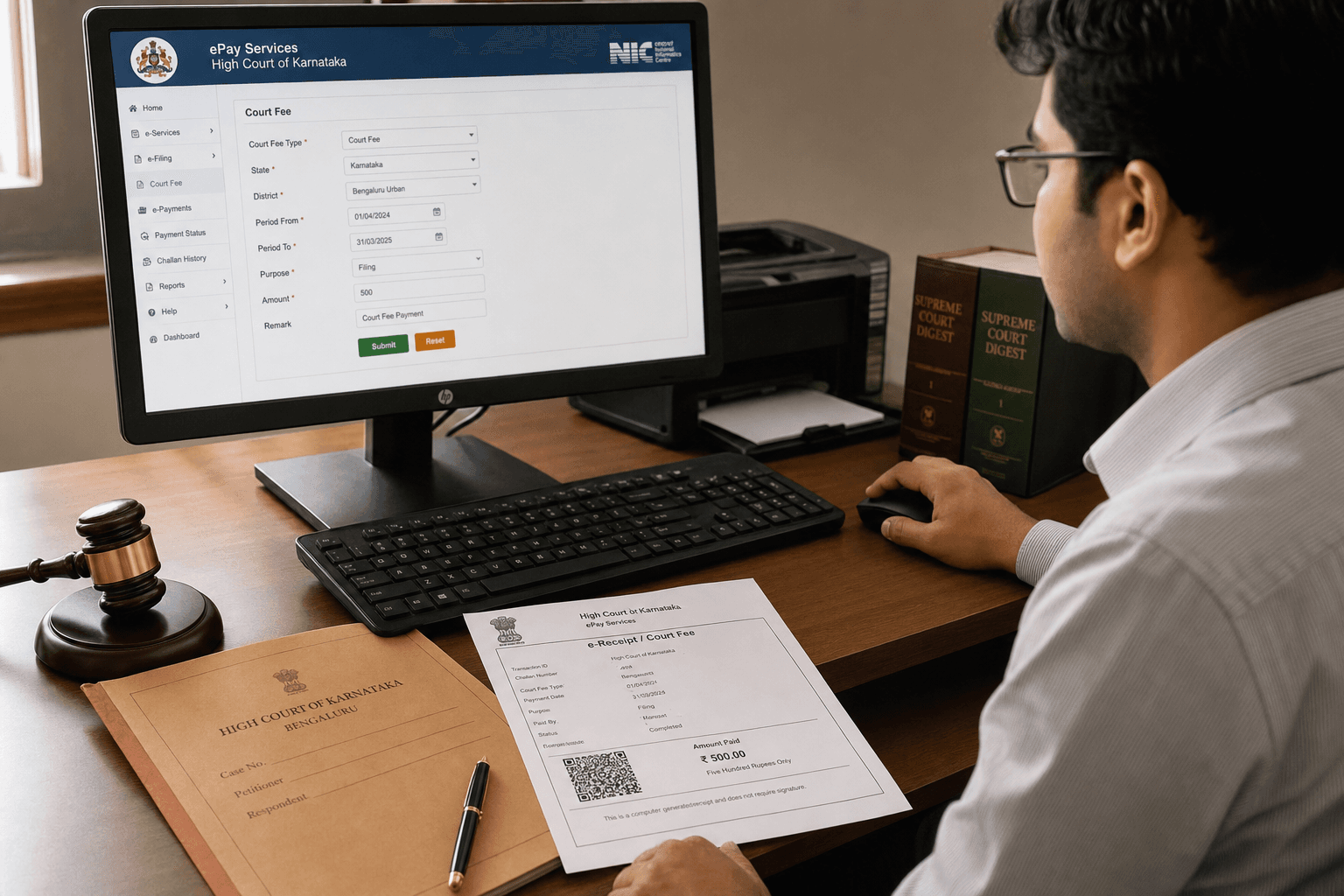
When filing cases in civil and district courts in Odisha, court fees must be paid as required under The Court Fees Act, 1870. The SHCIL (Stock Holding Corporation of India Ltd) e-Court Fee system at shcilestamp.com lets you pay these court fees online and generate a printed e-receipt — without purchasing traditional judicial stamp paper from a vendor. This 2026 guide covers the full procedure for litigants across Khordha (Bhubaneswar), Cuttack, Puri, Ganjam, Balasore, Sambalpur, Sundargarh, Mayurbhanj, and all Odisha districts.
What is e-Court Fee?
The e-Court Fee system is an internet-based application that replaces physical judicial stamp paper for court fee payment. It is operated by SHCIL — the same body authorised by the Government of India as the Central Record Keeping Agency (CRA) for e-stamping across 24 States and Union Territories, including Odisha. The e-Court Fee receipt generated through shcilestamp.com is a legally valid proof of court fee payment accepted in all approved courts in Odisha.
e-Court Fee vs e-Stamping — Key Difference
The SHCIL portal at shcilestamp.com offers three distinct services:
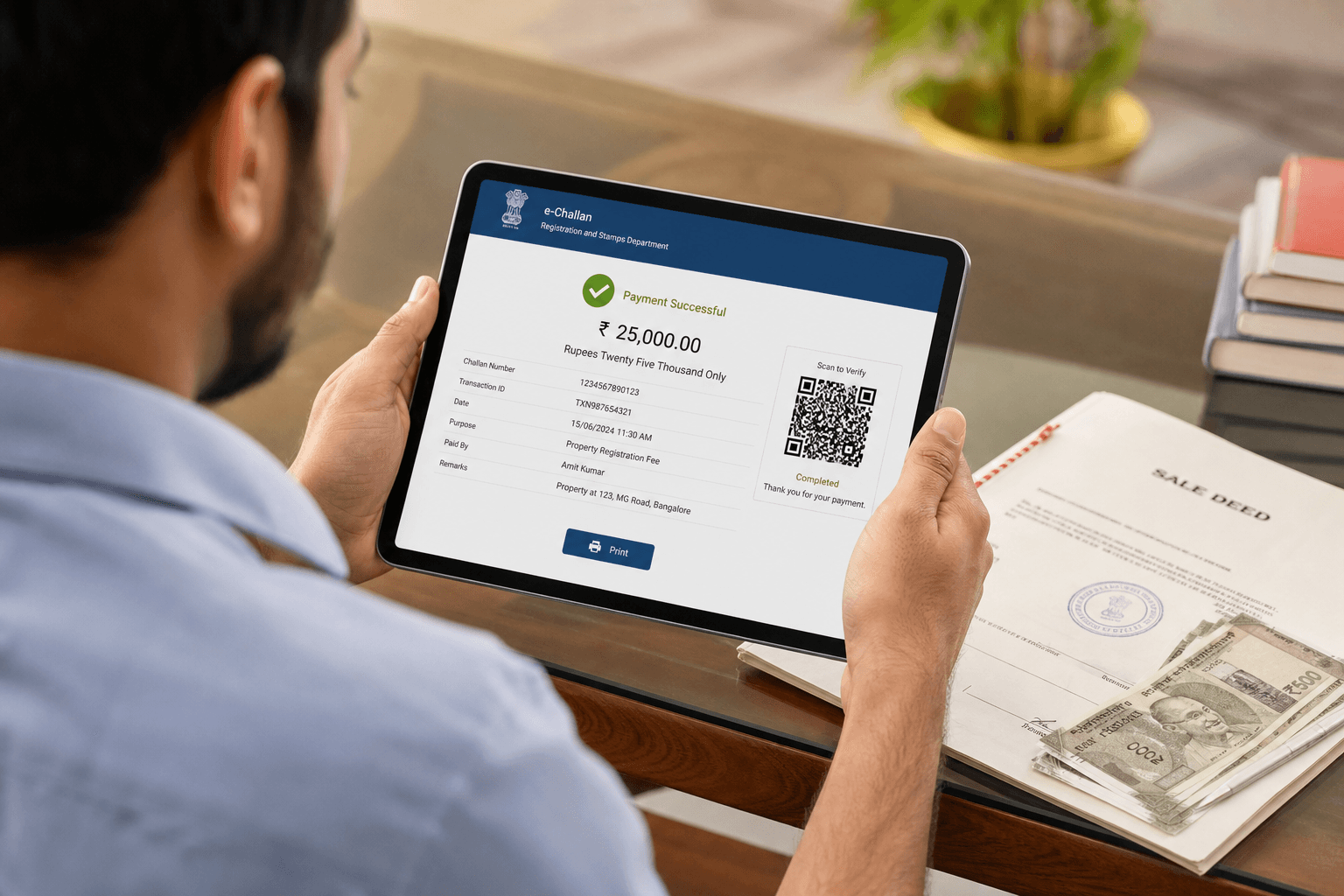
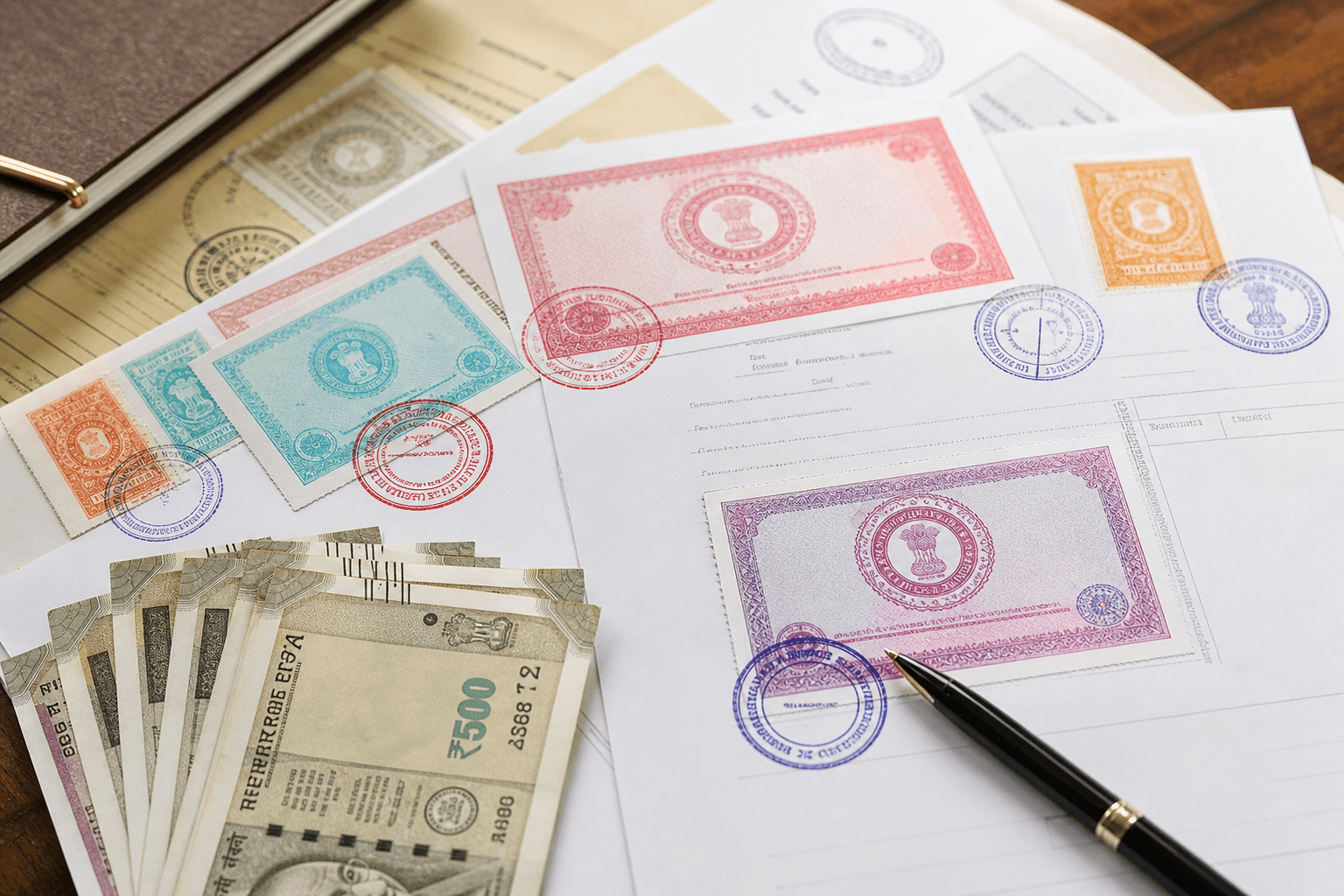
- e-Stamping: For non-judicial stamp duty on instruments such as sale deeds, gift deeds, mortgage deeds, and agreements (The Indian Stamp Act).
- e-Court Fee: For judicial court fees payable when filing civil or criminal cases in district courts (The Court Fees Act, 1870).
- e-Registration Fee: For registration fees payable when registering documents at a sub-registrar office (The Indian Registration Act, 1908).
All three use the same SHCIL account and the same portal. You do not need a separate registration for each service.
How to Pay e-Court Fee Online in Odisha — Step-by-Step 2026
Step 1 — Register on shcilestamp.com
If you have already registered for e-Stamping or e-Registration Fee on shcilestamp.com, you can skip this step — your existing account covers all SHCIL services. New users must register once:
- Visit www.shcilestamp.com and go to the e-Court Fees section.
- Click Register to create your User ID and Password.
- An activation link will be sent to your registered email — click it to activate your account.
Step 2 — Log In
Log in using your activated User ID and Password. A 6-digit OTP will be sent to your registered mobile number or email for two-step verification.
Step 3 — Credit Your Account Balance (Make Payment)
Unlike per-transaction e-Stamping, the e-Court Fee system uses a pre-loaded imprest balance:
- Select the Make Payment option from your dashboard.
- Select the State (Odisha) from the list.
- Enter the amount you wish to load and select the payment mode — Net Banking or Debit Card.
- Complete the payment. Once confirmed, your SHCIL account balance is credited immediately.
Note: Gateway charges apply — ₹6 for Net Banking and ₹20 for Debit Card per transaction (plus applicable taxes). These are borne by the user.
Tip: You can load a lump-sum balance and use it across multiple court fee receipts of different denominations over time — useful for lawyers and frequent litigants.
Step 4 — Generate e-Court Fee Receipt
- Select e-Court Fee Generation from the dashboard. The available account balance will be shown on screen.
- Enter the following mandatory details:
- State: Odisha
- Name of District Court
- Name of Litigant (mandatory)
- Court fee amount (in INR)
- Type of case (new or old)
- Court number (if applicable)
- Name of party
- Details of payer of court fee
- Payer's address, email ID, and mobile number
- Click Submit. The system will deduct the court fee amount from your account balance and generate the e-Court Fee receipt.
Step 5 — Print the Receipt
Print the e-Court Fee receipt on any standard printer. No special paper is required. The receipt is a valid proof of court fee payment accepted in all approved courts in Odisha.
Step 6 — Submit in Court
Attach the printed e-Court Fee receipt to your petition or pleading and submit it to the concerned district or civil court in Odisha at the time of filing.
What to Do if the Receipt Was Not Generated
If the e-Court Fee receipt was not generated due to a connectivity problem, power failure, or printer issue after payment was deducted, use the Reprint option in your SHCIL dashboard. The system stores the transaction record and lets you reprint without a new payment. Do not pay again until you have checked the Reprint option first.
Verifying an e-Court Fee Receipt
Anyone — including court officials — can verify the authenticity of an e-Court Fee receipt at shcilestamp.com using the Verify e-Court Fee Receipt option. This makes fraudulent court fee documents detectable instantly.
bhulekh.ori.nic.in covers all 30 districts of Odisha, including Khordha (Bhubaneswar), Cuttack, Puri, Ganjam, Balasore, Sambalpur, Sundargarh, and Mayurbhanj. Select your District, then Tahasil, then Village to begin your search.
Find Property in Odisha on Baiyabasa
Search verified land and property listings in Odisha: Bhubaneswar · Cuttack · Puri
Related Odisha Land Record Guides
Frequently Asked Questions
Quick answers to common questions about this topic.
e-Court Fee is the SHCIL online system for paying judicial stamp duty (court fees) without physically purchasing judicial stamp paper. It lets litigants pay court fees from anywhere and print a valid e-Court Fee receipt to submit in approved courts in Odisha.
Showing questions 1–5 of 12
Find your next home on Baiyabasa
Browse verified listings, connect with trusted agents, and get expert guidance across Odisha.


Comments
Loading reviews...